 Josh
Website design
A fast, good-looking site that works on every phone, says what you do and gets people to call. New builds, rebuilds of tired sites, or a WordPress site you can update yourself.
Websites, online booking, custom apps and the back-end pieces that hold them together. Built by someone down the road in Atwood, who answers the phone and explains things in plain English.
Listowel, Stratford, Mitchell, St. Marys, Wingham, Seaforth, Goderich, Exeter, Kincardine, Walkerton and the back roads between.
If it plugs in, logs in or lives online, it's probably something I can help with.
A fast, good-looking site that works on every phone, says what you do and gets people to call. New builds, rebuilds of tired sites, or a WordPress site you can update yourself.
Let customers book, pay a deposit or save a card without a phone call. Confirmation emails, reminders, calendar sync and invoices, set up around how you already work.
When off-the-shelf software doesn't fit, I build the thing that does: a web app, an iPhone home-screen app or a Mac app, made for your business and nobody else's.
Client records, logins, file storage and the servers behind them. I lean on low-cost hosting like Cloudflare, so many small sites run for little or nothing a month.
Turn the weekly copy-and-paste job into something that runs itself: drafting posts, sorting files, sending reminders, tidying data. Always with a person checking what matters.
Domains, business email, Google Business Profile help, search basics, backups, who-owns-what. The unglamorous setup that quietly costs you customers when it's wrong.
Always wanted to market your business with a podcast but never knew where to start? I'll set it up for you, from the microphones to your first episode on Spotify and Apple Podcasts, and leave you with a routine you can keep up on your own.
Real projects, in use or on the way. Each one solved a specific problem for a real person, and most of them are the same kind of thing a local business needs.
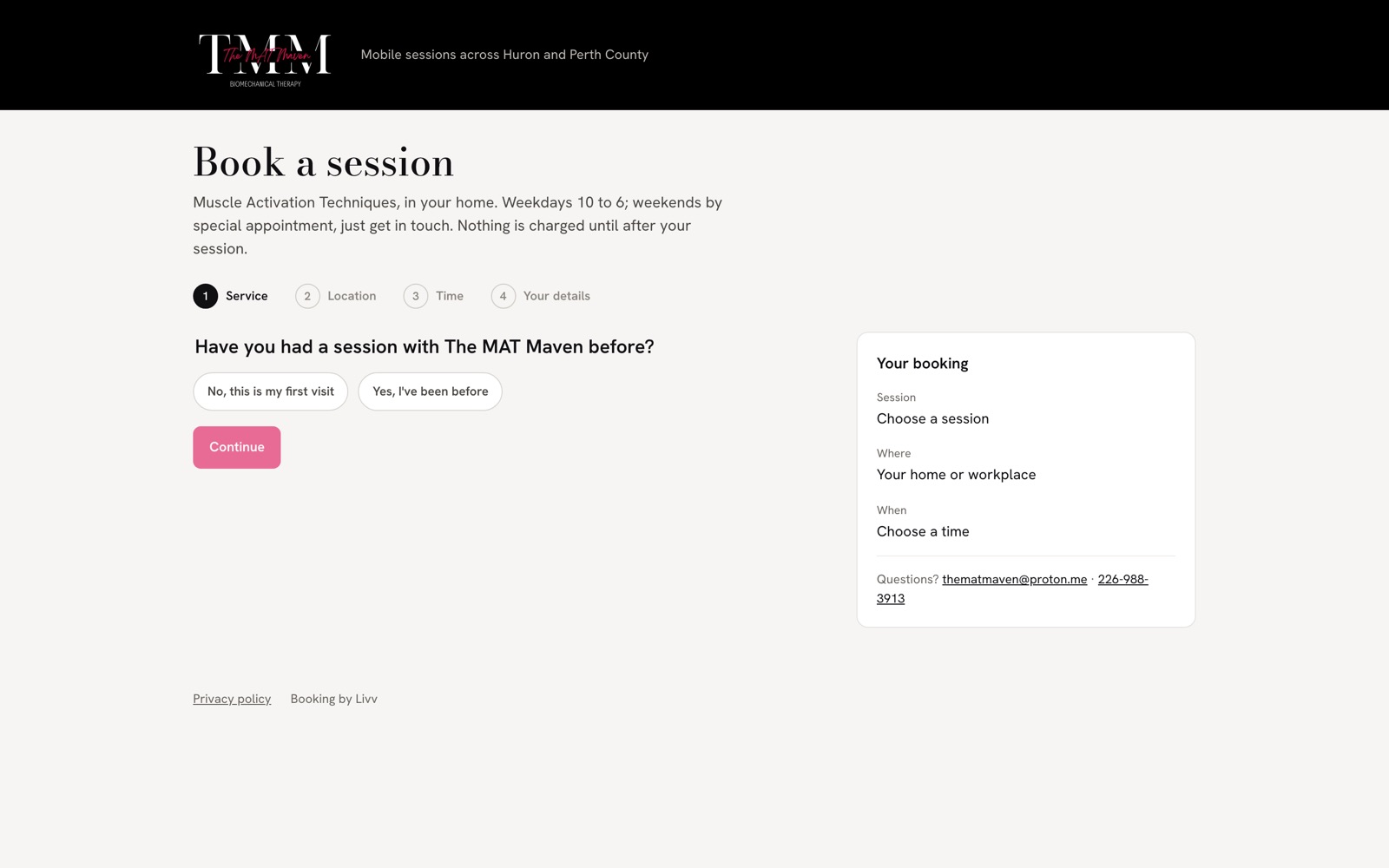
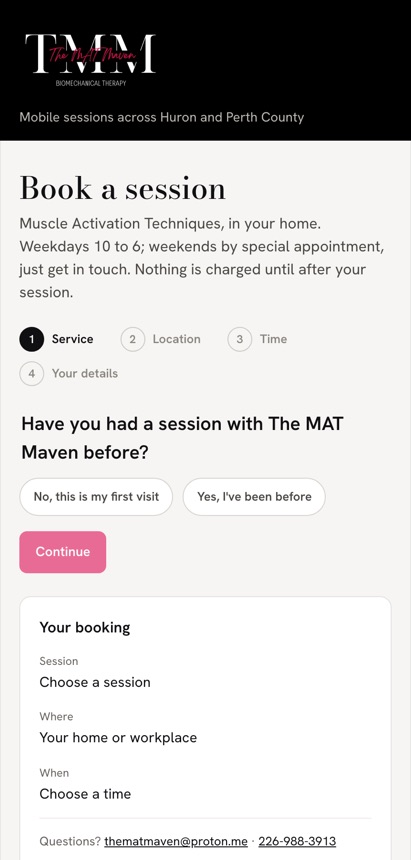
The MAT Maven travels to clients' homes across Huron and Perth. Livv replaced a patchwork of apps with one system: clients book online and save a card, nothing is charged until after the session, and late cancellations become fees she approves by hand.
React, Cloudflare Workers, D1 database, Stripe, Resend email. Runs on Cloudflare's free plan.
Try the live booking page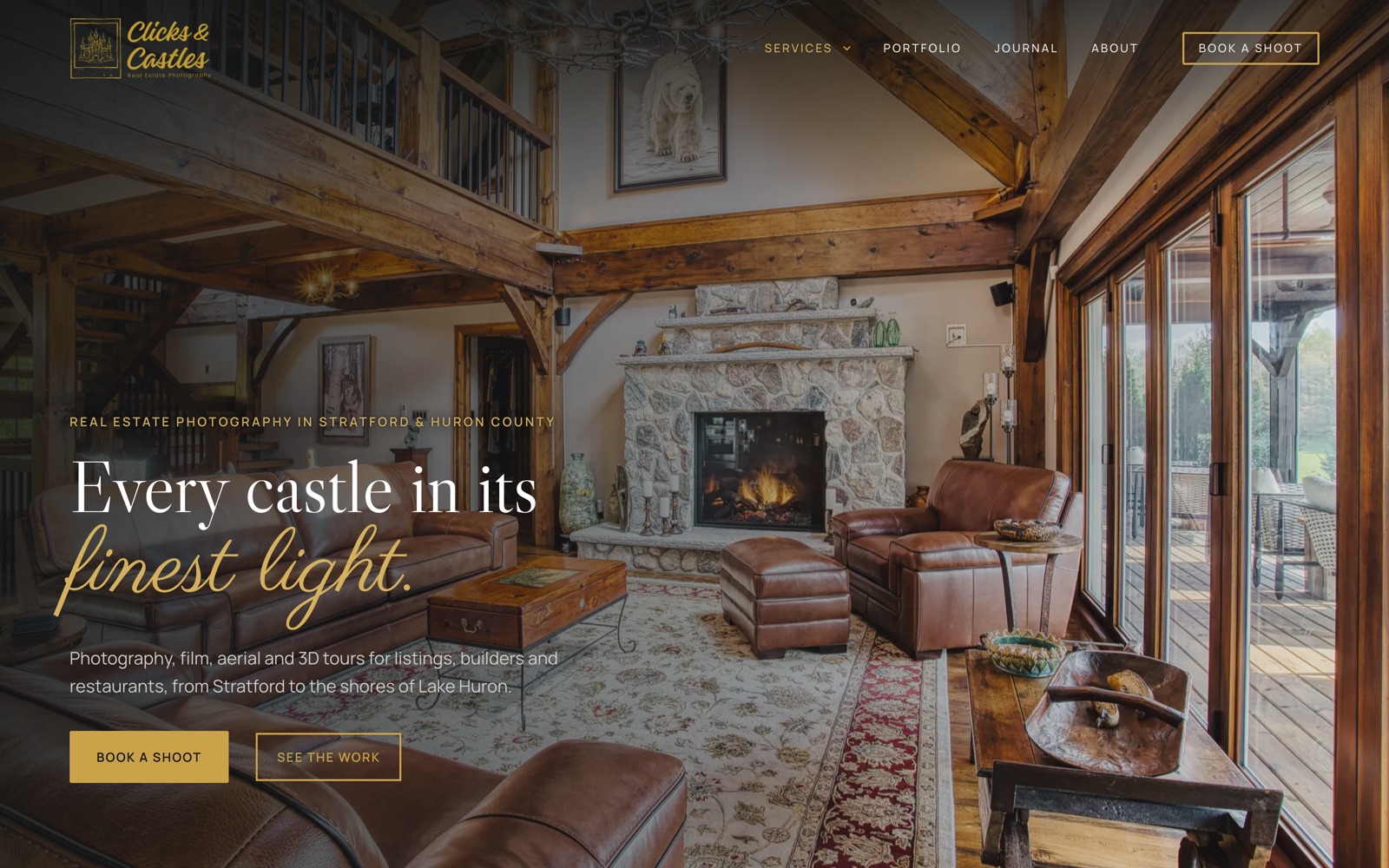
Our own studio site, rebuilt from the ground up on a safe staging copy before going live. Ten pages for real estate, restaurants, builders, livestreaming and business presence, with a filterable portfolio, Vimeo reels and a booking link on every page.
WordPress, Gutenberg, Blocksy, custom PHP and CSS.
Visit clicksandcastles.com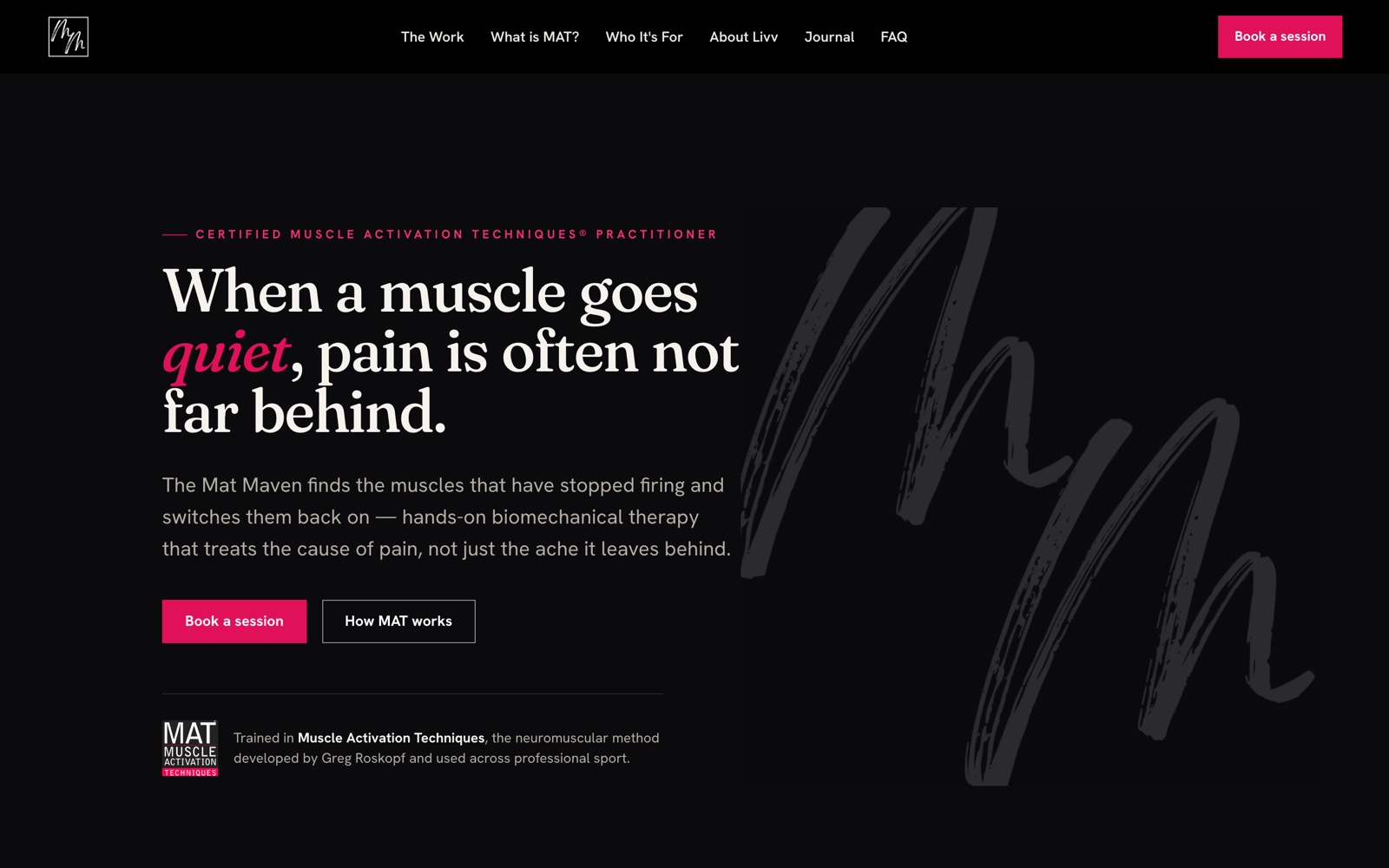
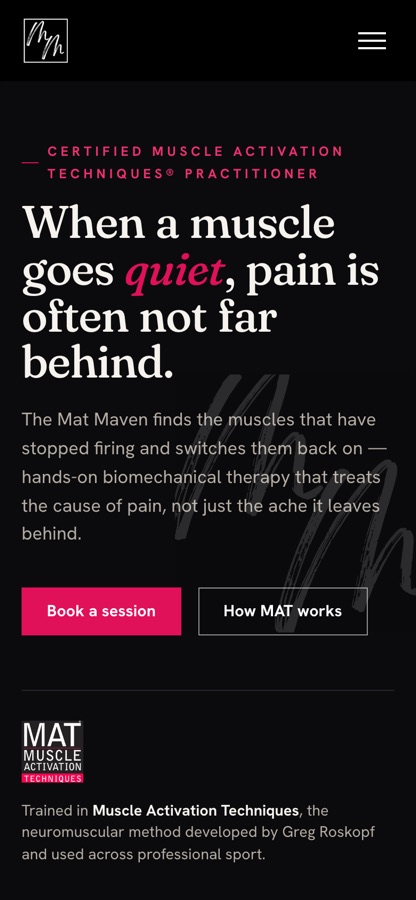
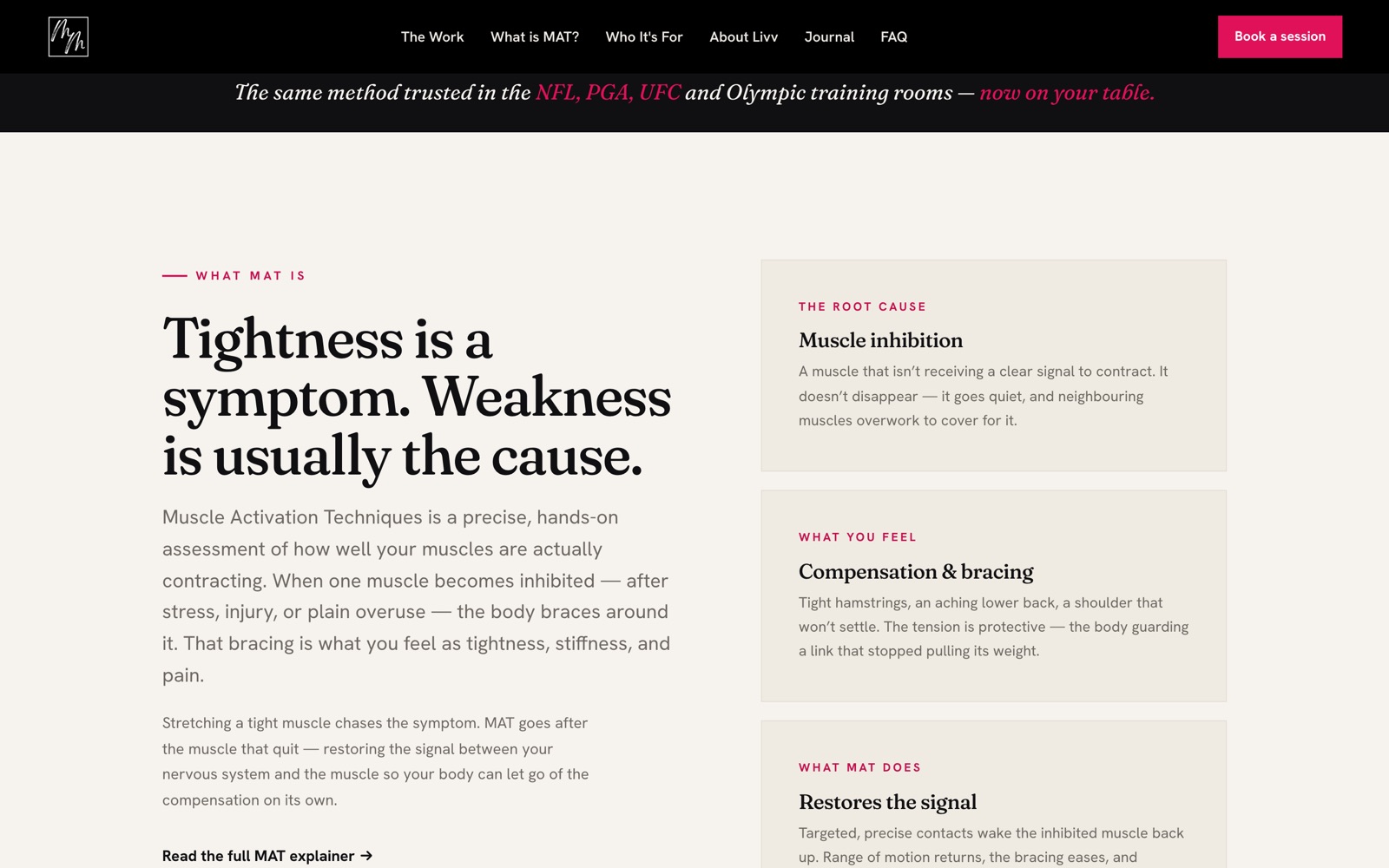
Livv's practice needed a site that explains an unfamiliar therapy in plain words and turns visitors into bookings. It walks people from "what is this?" to "is it for me?" to booking, and every Book a session button goes straight into her Livv booking page.
WordPress, Elementor, Rank Math SEO, connected to Livv.
Visit thematmaven.ca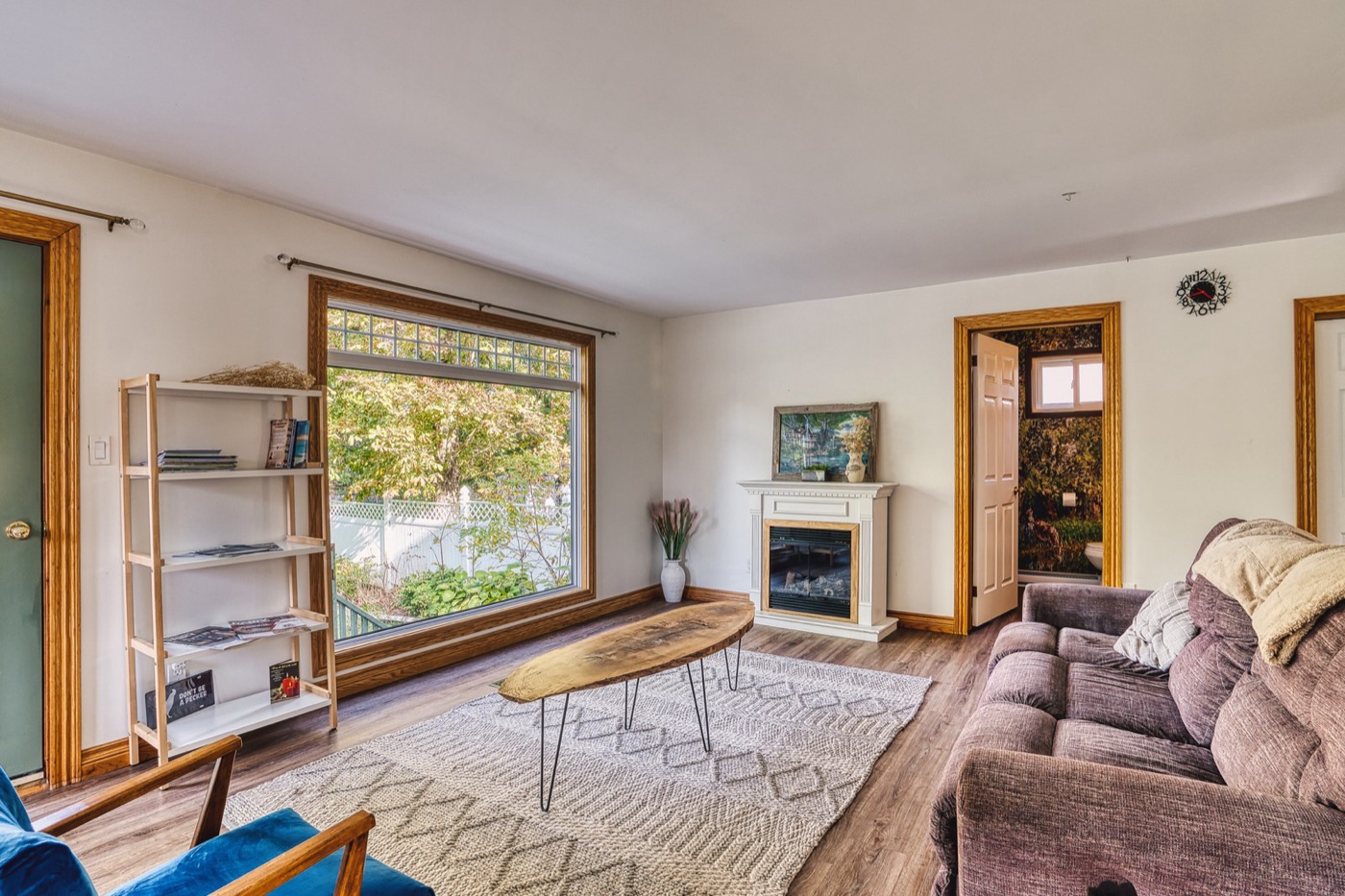
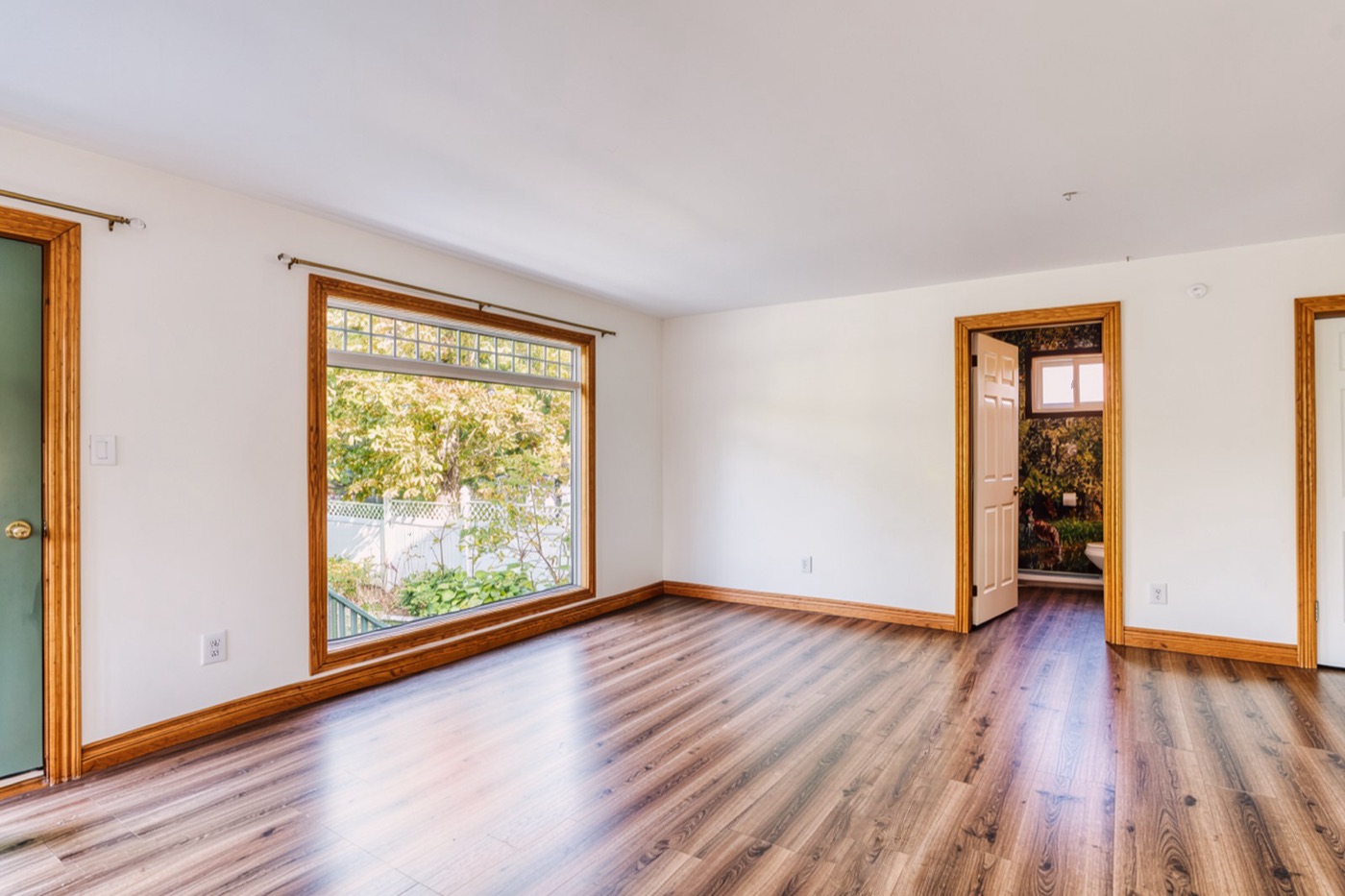
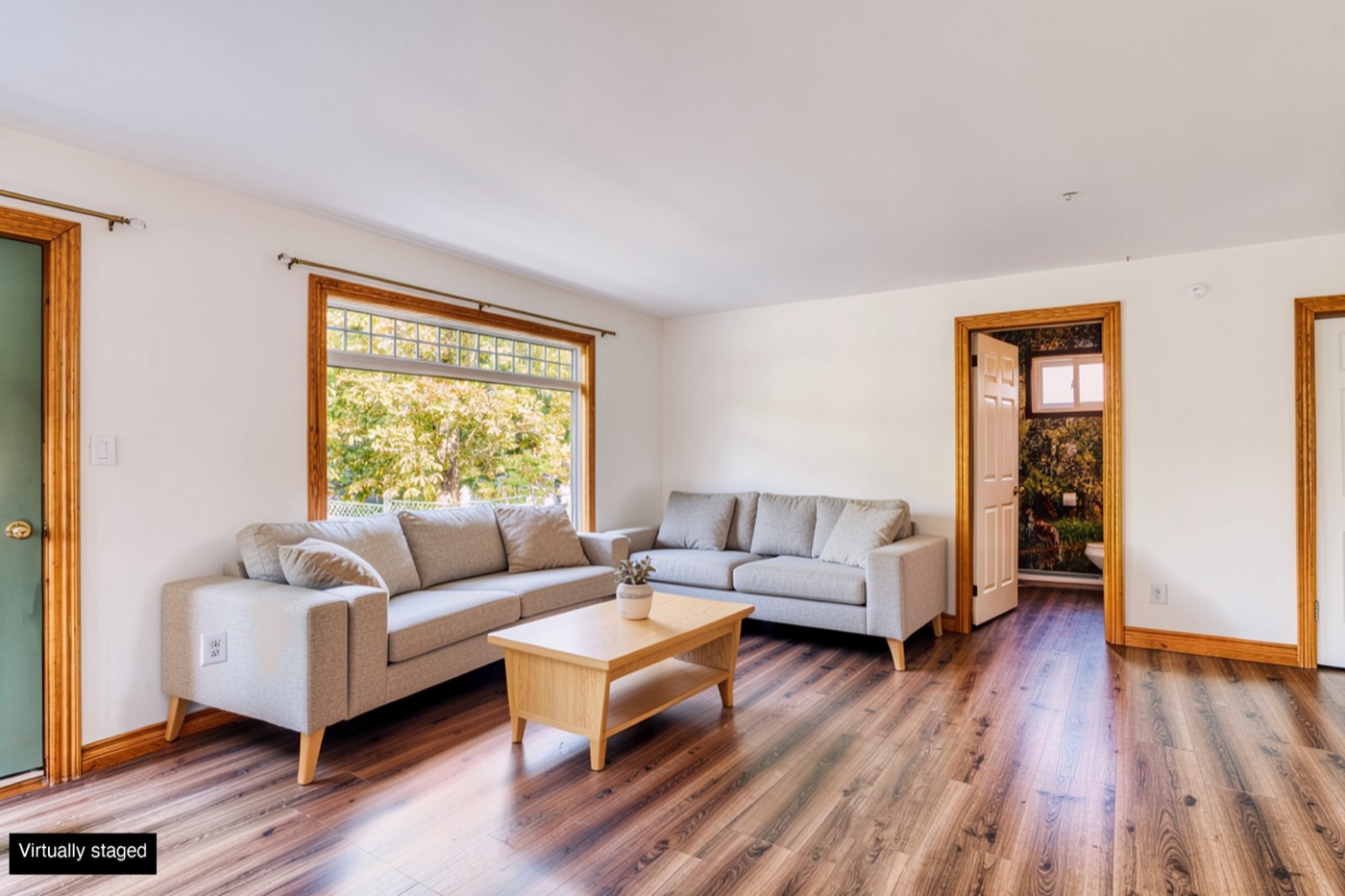
Declutter a room, empty it, stage it with new furniture, or turn a daytime exterior into a twilight shot. It runs on our own Mac with open-source AI image models, so client photos never leave the building, and it keeps the full-resolution original sharp by only changing the pixels the AI actually touched.
Python, FLUX.2 on Apple MLX, LaMa, segmentation models, Claude API.
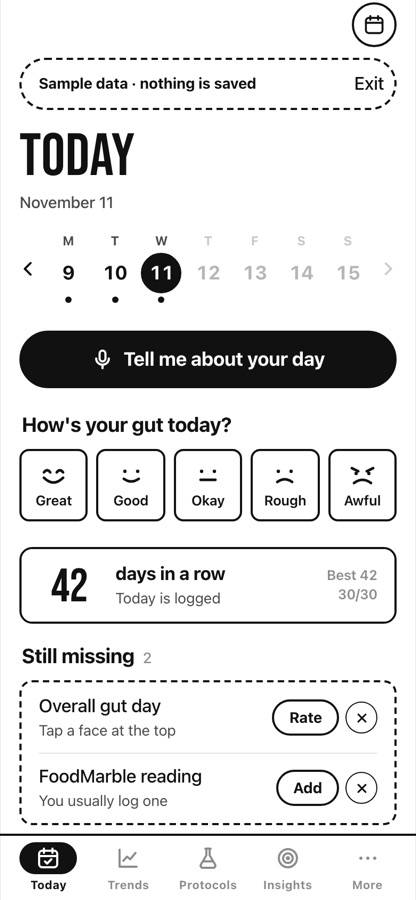
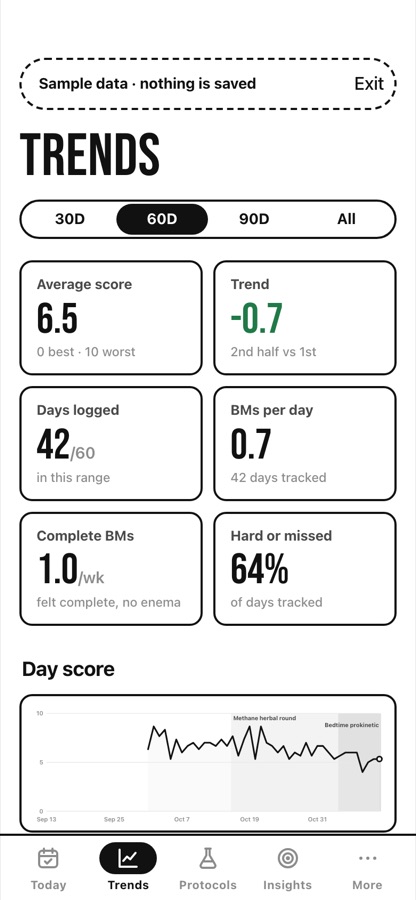
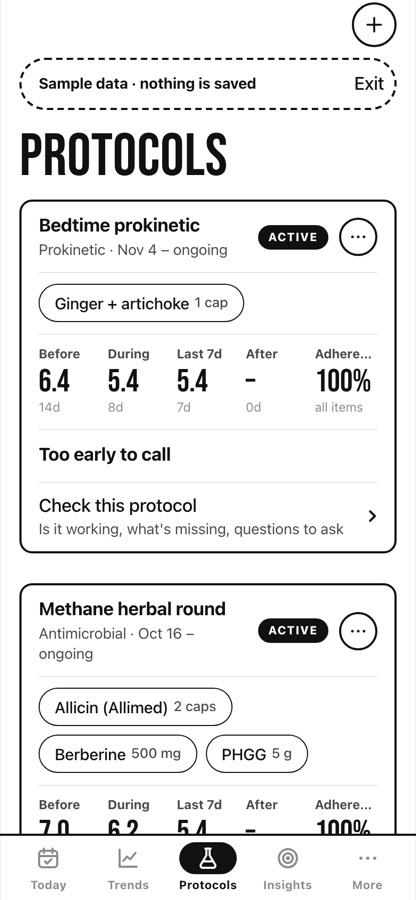
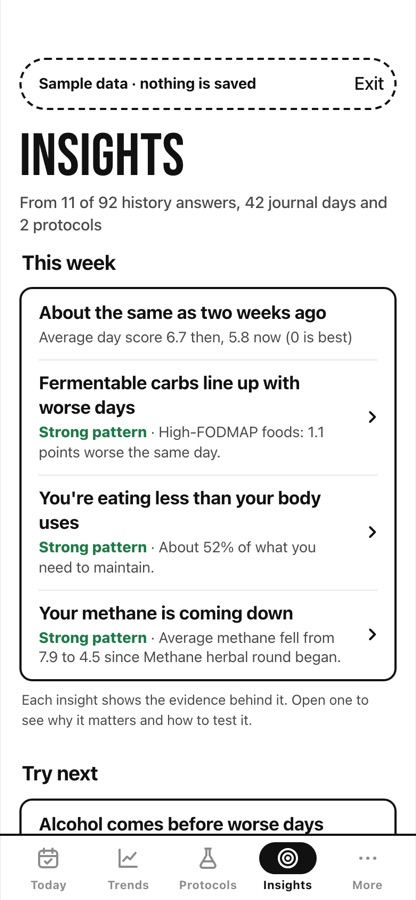
Built for people working through gut-health problems with a coach. Each day you tap what you ate, took and did, or just press the button and talk. Over time Case File lines your days up against each other and tells you, with the evidence, what seems to make things better or worse.
Installable web app (PWA), on-device speech recognition (Moonshine), IndexedDB, hosted free on GitHub Pages.
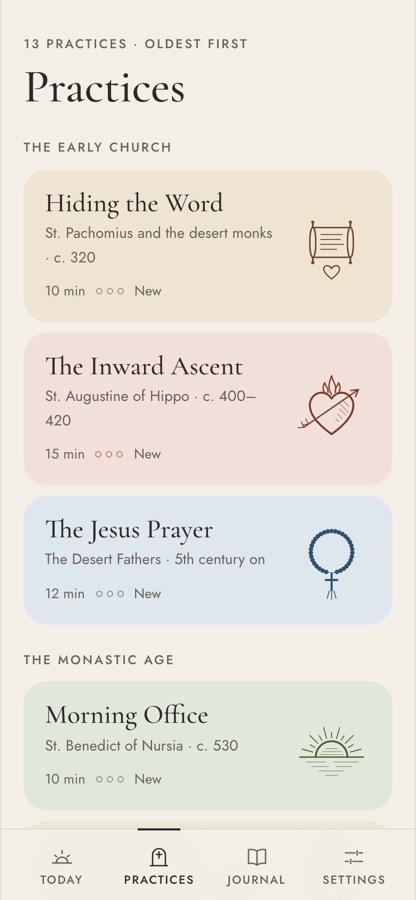
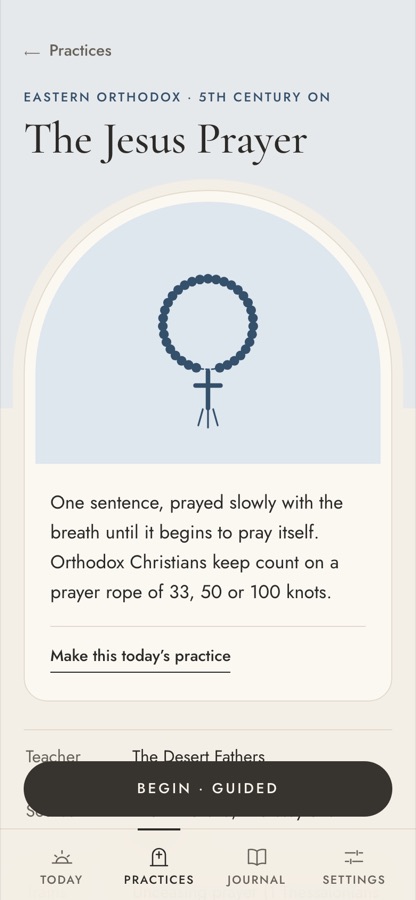
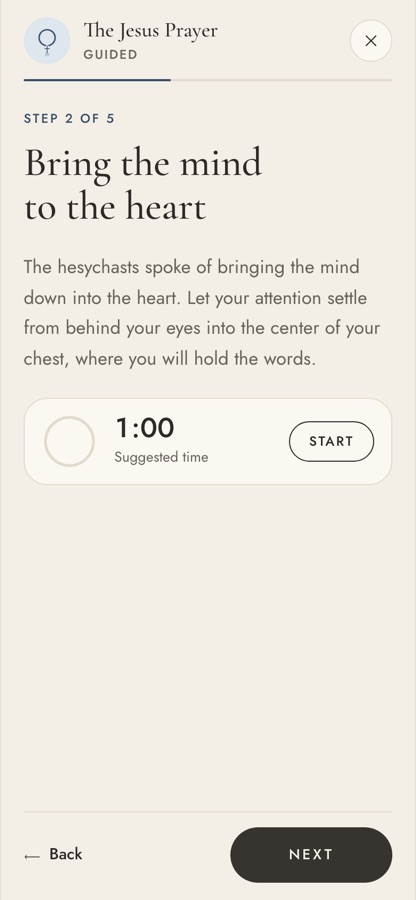
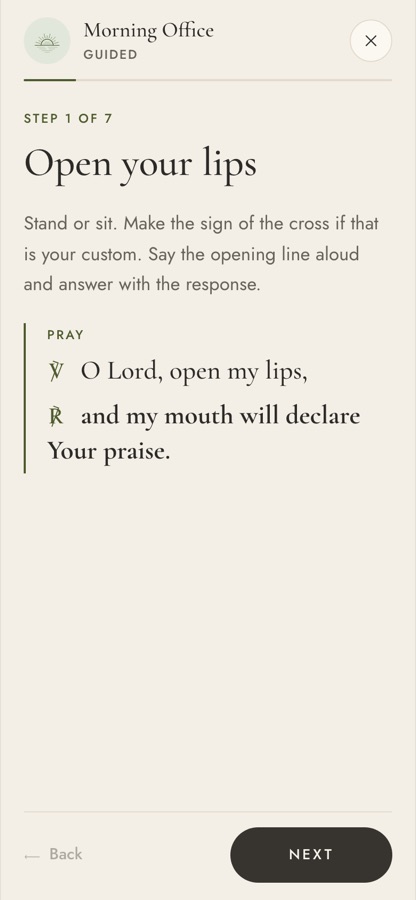
Thirteen ways of praying handed down over two thousand years, from the desert monks to Brother Lawrence, each one walked through step by step alongside your own Bible. As you learn a practice, the guidance fades from Guided to Cued to By heart, so the app gets out of the way.
SvelteKit, installable web app (PWA), on-device storage with backup and restore.
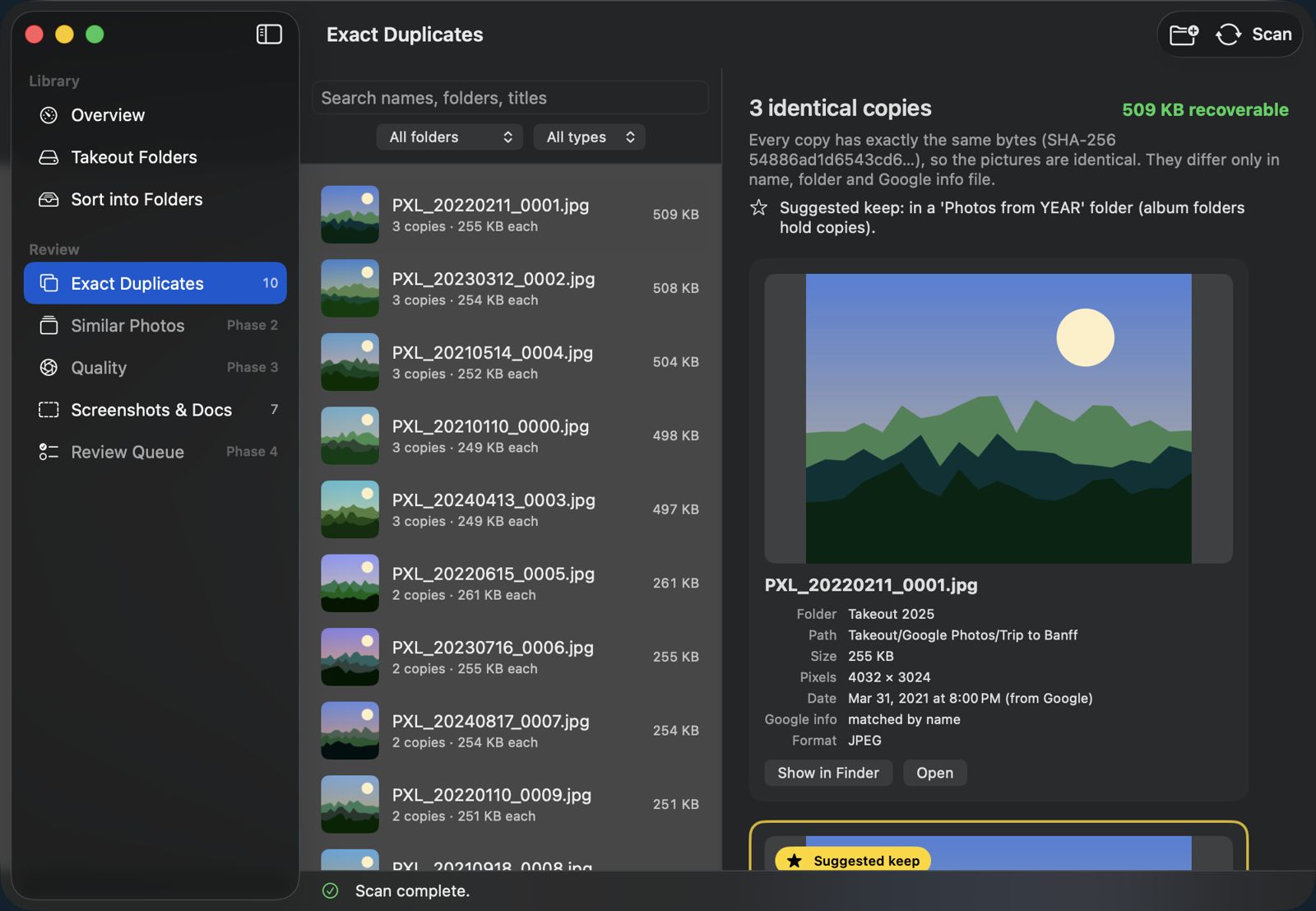
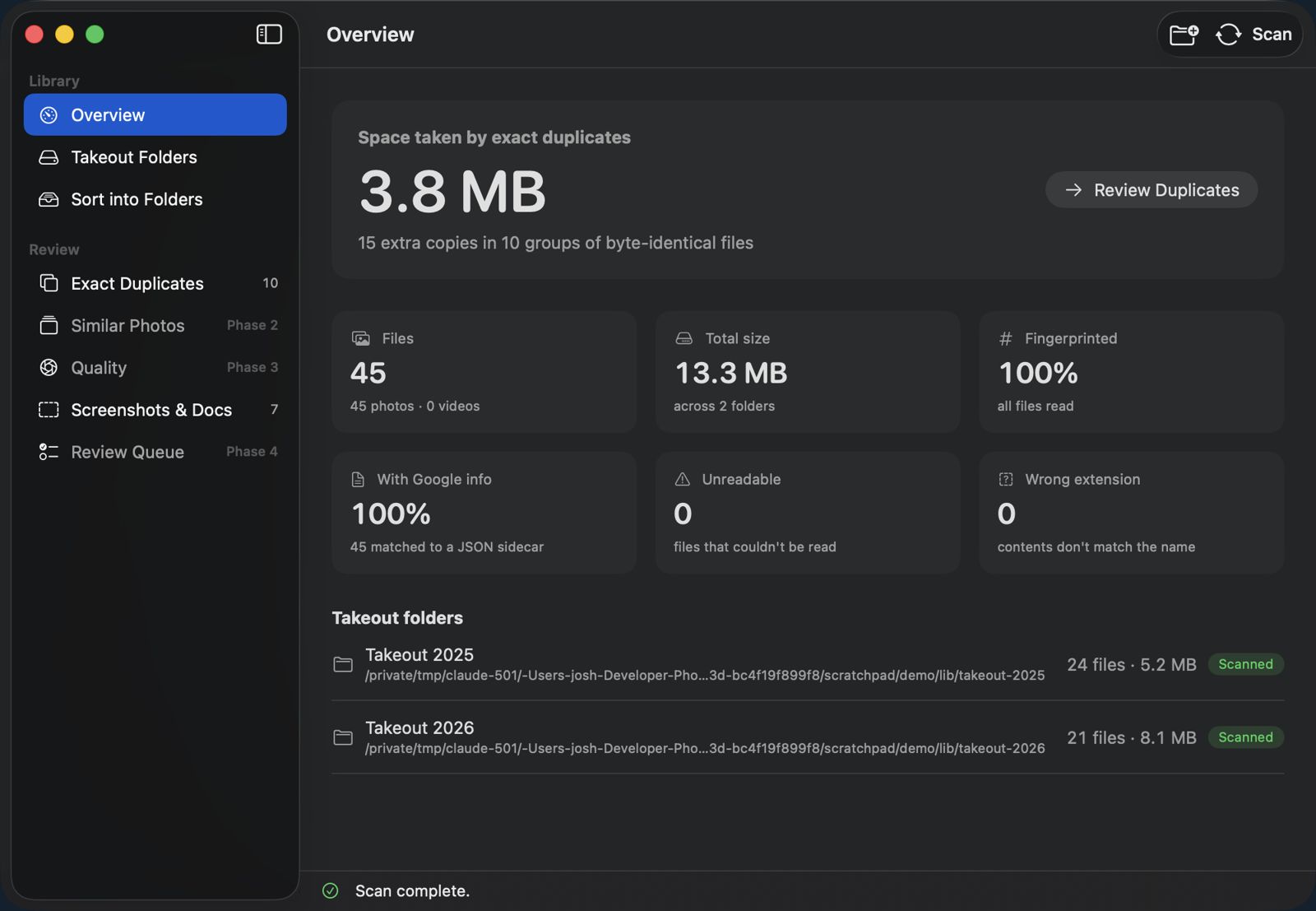
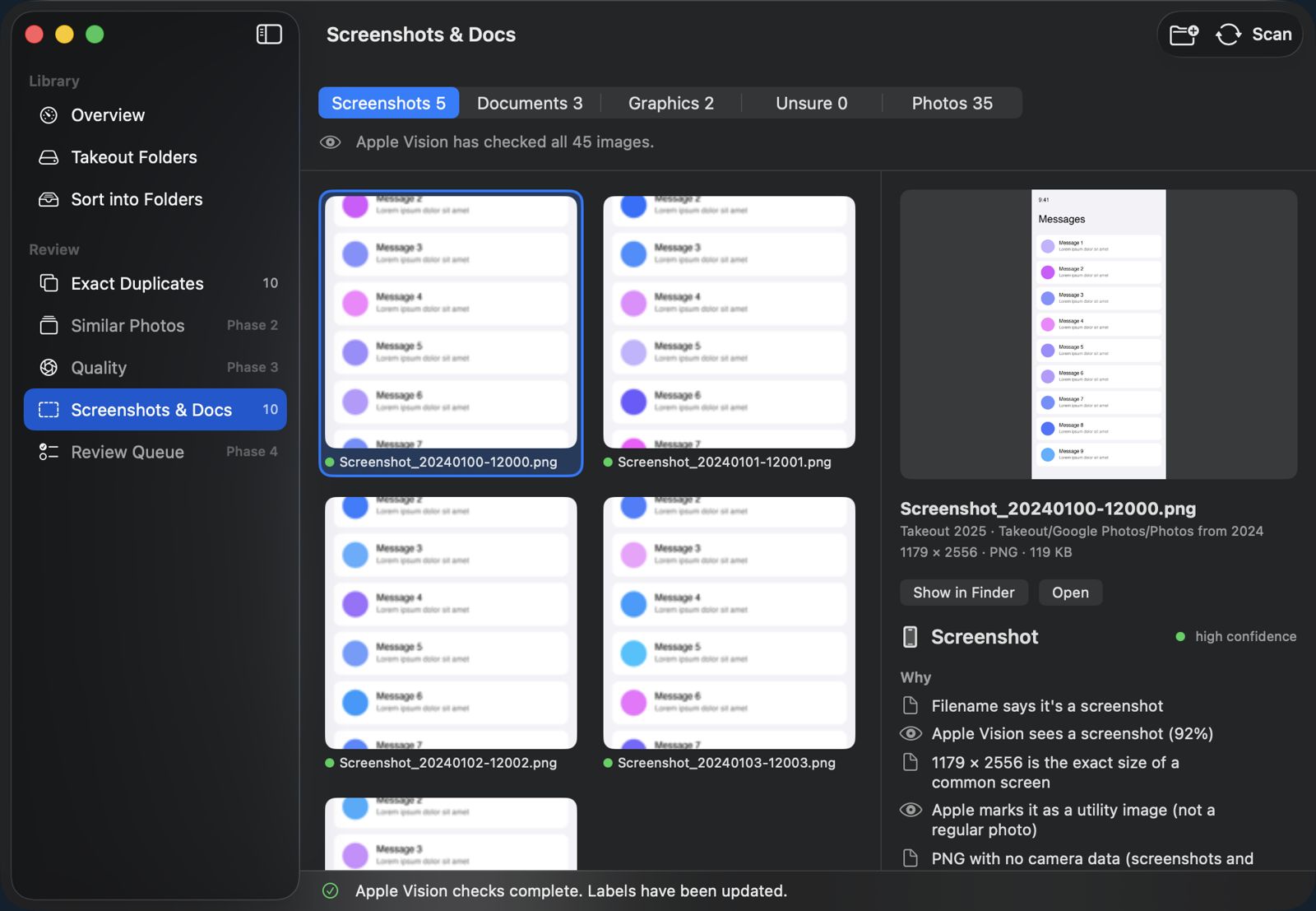
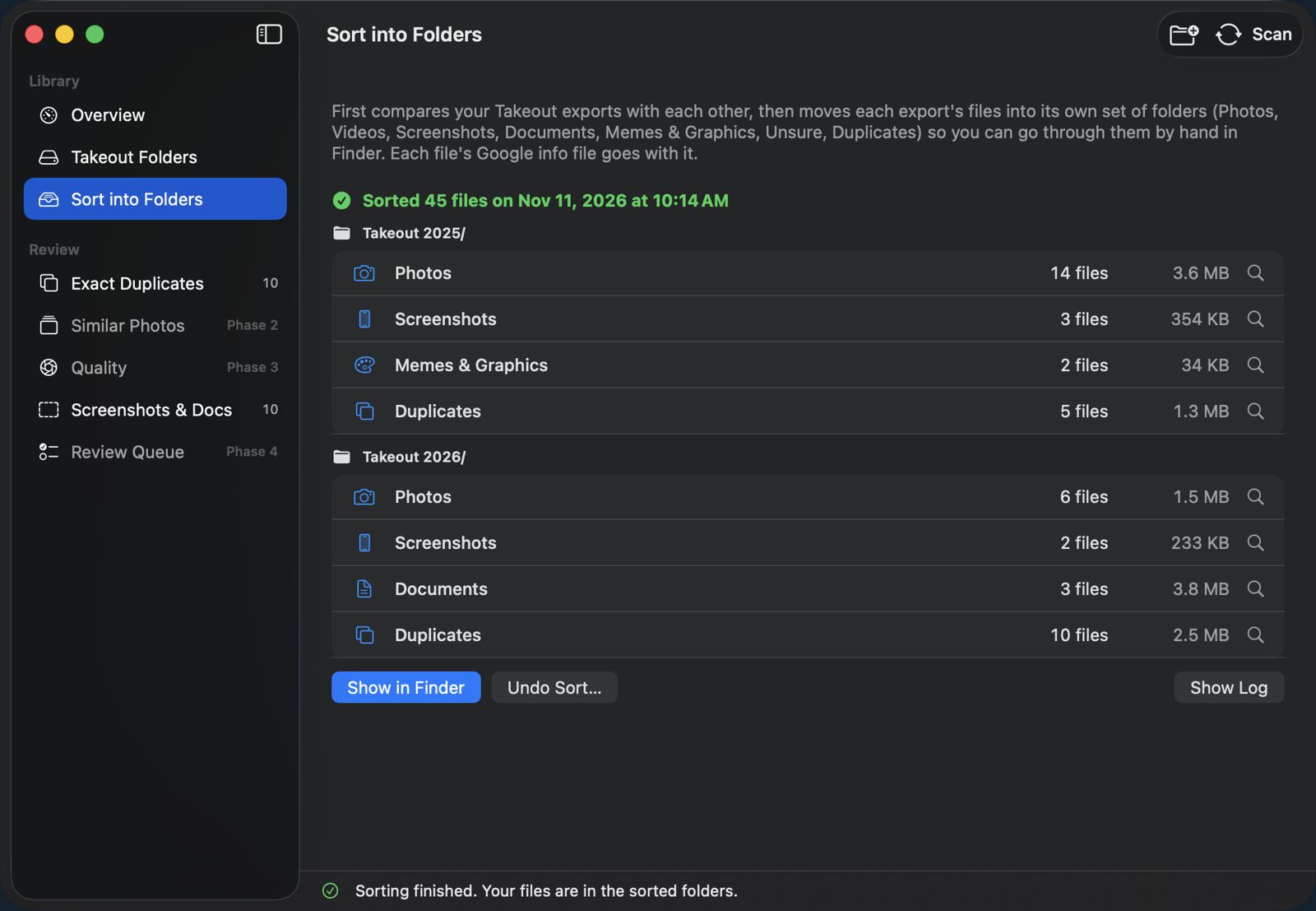
Shown with demo photos.
Download your Google Photos and you get a mess: dozens of zip folders, the same photo saved three times, dates and captions split off into separate files. PhotoSweep is a Mac app that reads all of it, matches every photo back to its details, finds the duplicates and sorts everything into tidy folders you can check in Finder.
On its first real run it worked through 73,789 files (397 GB) and found 116 GB taken up by exact duplicates, without deleting a single file.
SwiftUI Mac app, Python engine, SQLite, Apple Vision.
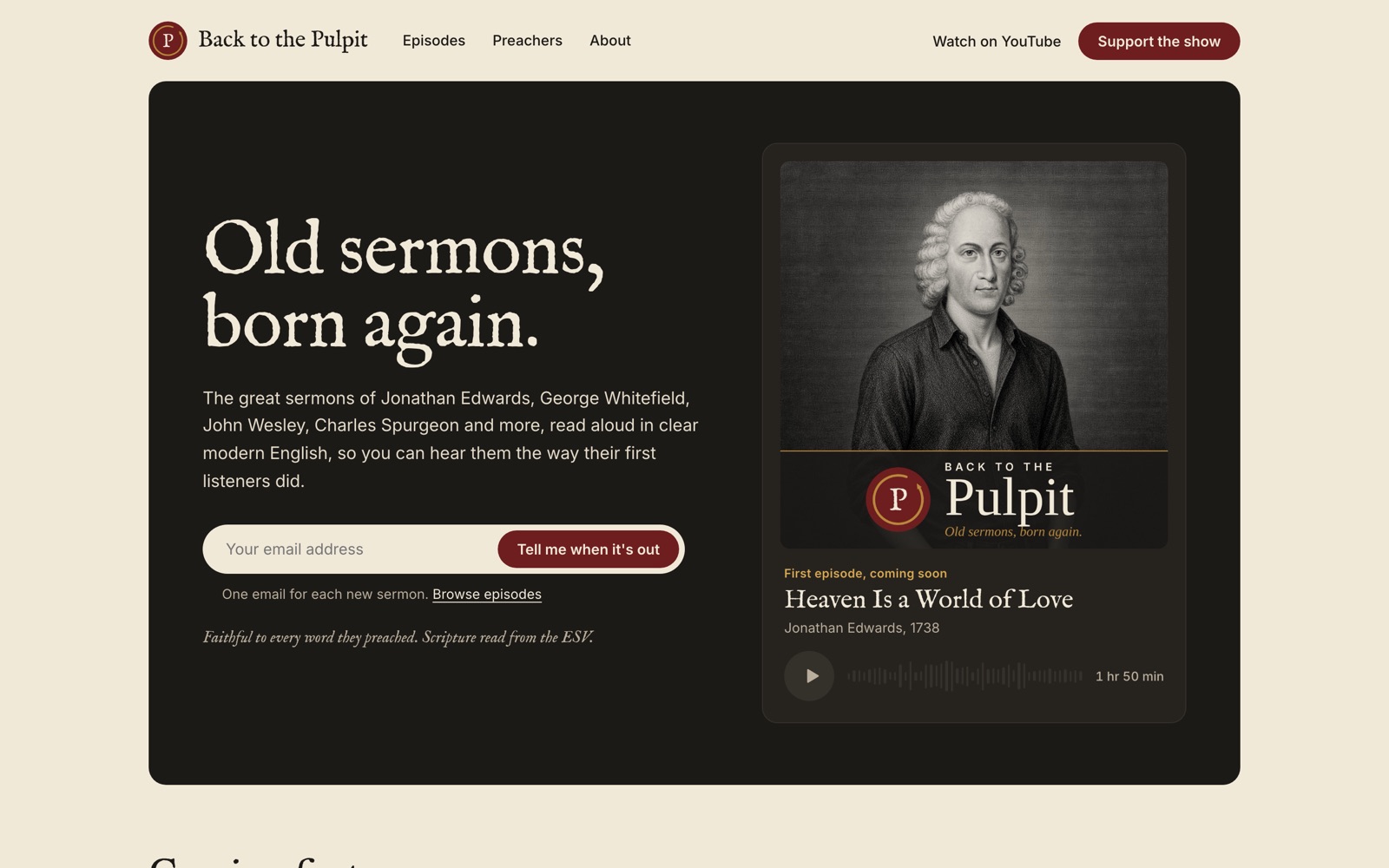
A YouTube channel's whole production line. It imports public-domain sermons, rewrites them in modern English with every uncertain spot flagged for review, builds the social posts, transcribes the narration on the Mac, and exports a ready-to-edit DaVinci Resolve timeline. Plus the show's website and a newsletter signup.
Node.js, Claude API, whisper.cpp, a Mac app wrapper, static site.
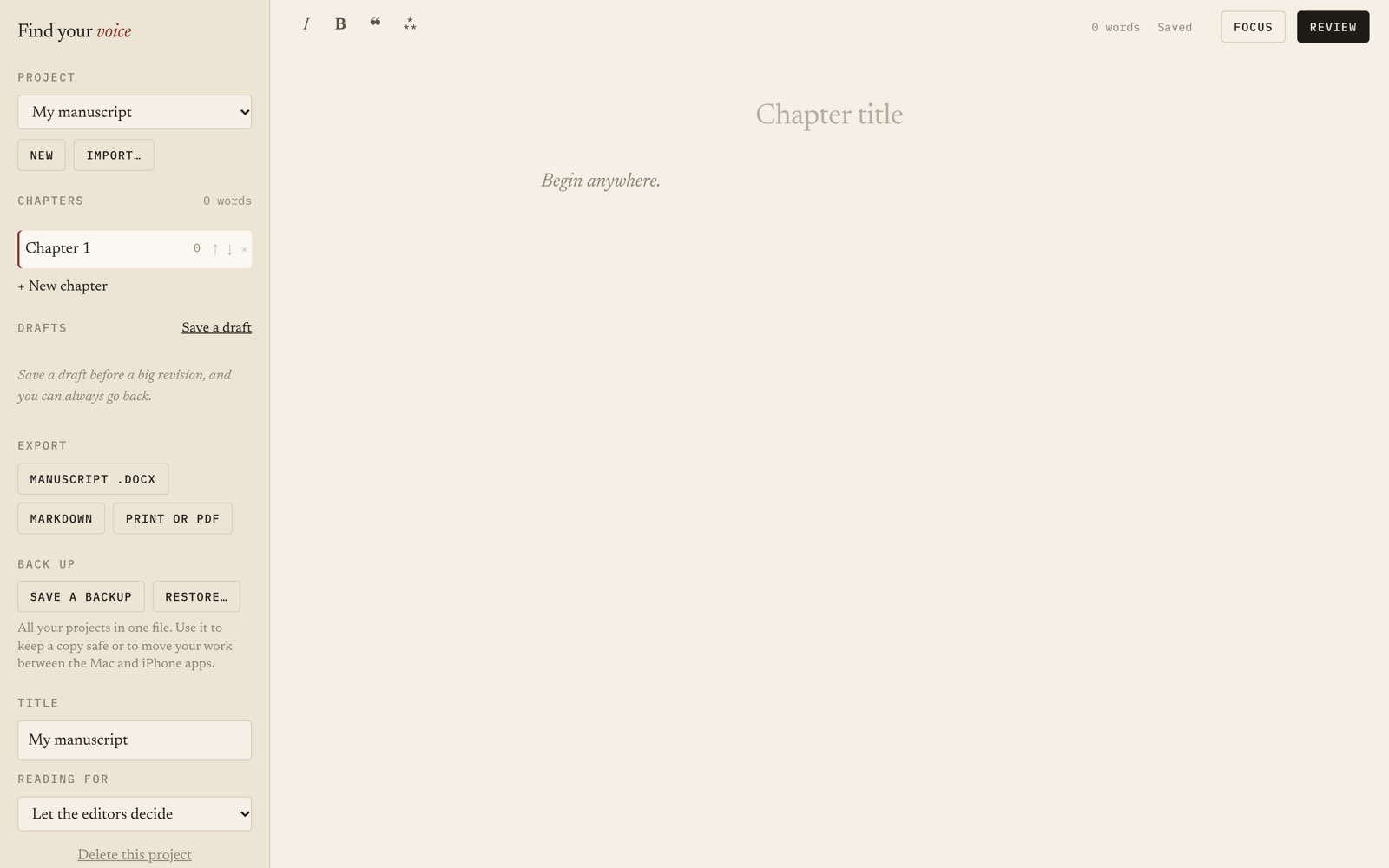
A writing desk for authors with a built-in editor's eye. It reads a manuscript against a library of craft rules (no LLM (AI) needed for that part), then brings in story, voice and line editors one at a time, the way a book is really edited. Imports and exports Word files.
JavaScript, an offline web app, Claude API for the deep reading.
Over the phone or at your kitchen table. You tell me what's frustrating; I ask what a good week would look like.
A clickable mockup you can tap through on your own phone, with a clear quote. Nothing gets built until you like it.
On a private test copy first, so nothing you rely on breaks. You test it with real use and we adjust.
You own your domain, your data and your accounts. I write down how everything works and I'm a call away when something needs changing.
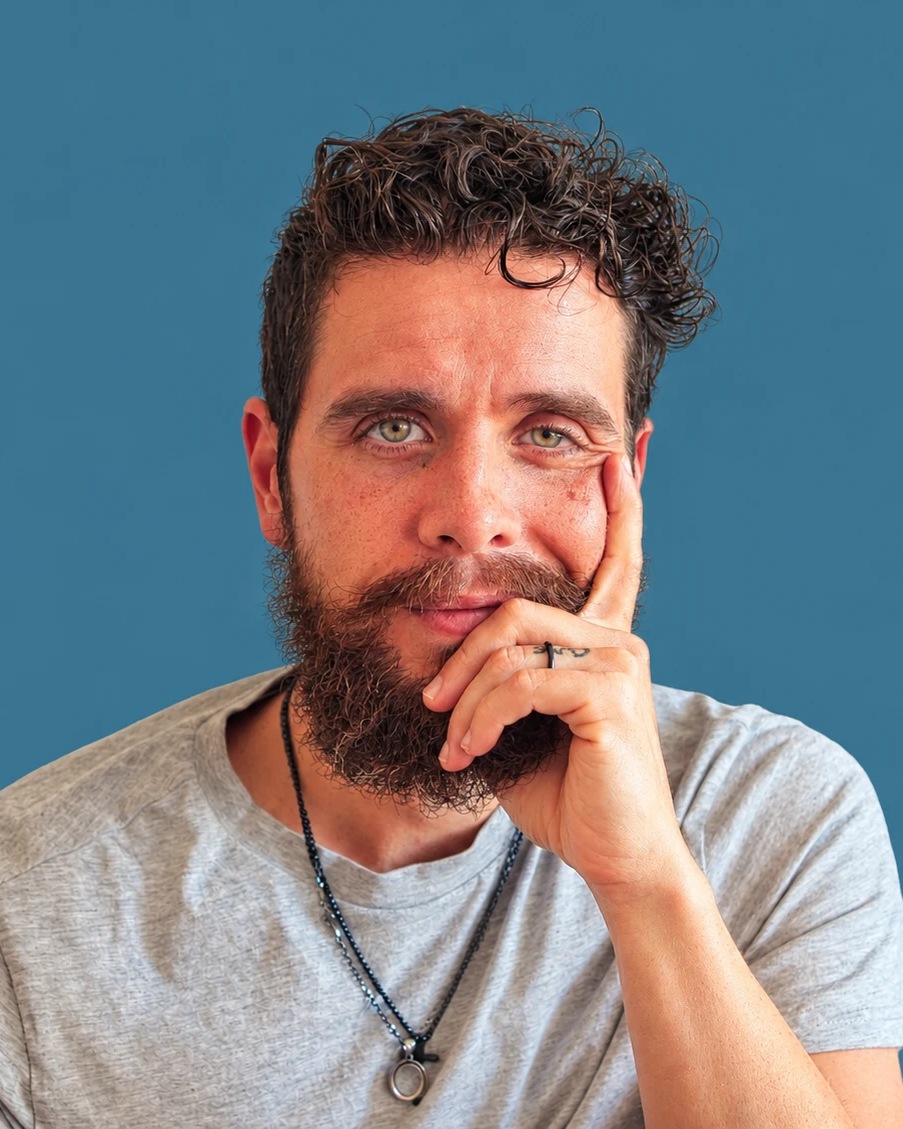
I'm Josh. For me, this work has always been about supporting folks through technology. By day I fly the drone and edit for Clicks & Castles; the rest of the time I'm usually building something.
I build with Claude, an LLM (AI), as my engineering partner. That's what lets one person in Atwood deliver the kind of booking system, database or app that used to take a software firm. The judgement is mine: what to build, what to leave out, how to keep your data safe and your costs low, and whether the result actually works for the person using it.
I'd rather tell you a $10-a-month app already does what you need than sell you something custom. And when custom is the right answer, I'll build it properly.
A journal about what LLMs (AI) really are, written for believers, churches and ministries.
An LLM (AI) isn't a mind or a spirit. It's a tool: a very capable pattern-finder, trained on a huge amount of human writing, that predicts what words should come next. Like the printing press, which put Scripture into ordinary hands, it can be put to God's good work, or misused. I write to explain how it works in plain language, so you can decide for yourself how and whether to use it.
First posts coming soon.
A sentence or two is plenty: what your business does and what's getting in the way. I'll get back to you with honest options, including when you don't need me at all.
Based in Atwood, Ontario. Serving Perth, Huron and Bruce counties, in person or remotely.